
Create folders in Document Manager to group files for easy access.
-
Go to Patient Details > Document Manager tab
-
Bring up the appropriate patient using the Find icon

-
Documents menu > Create New Folder
-
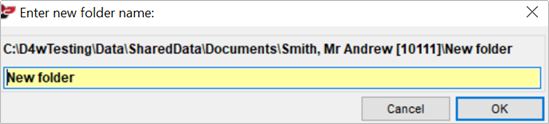
Enter the name of the new folder
-
Click OK
-
Comments
Article is closed for comments.