
When an appointment is scheduling via eAppointments, a default Appointment Reason can be selected, or set to No default reason.

-
Within the eServices portal
-
Go to Menu
 > Practice Management
 -
Select eAppointments
-
Press Display options
- Select a reason, if nothing is selected, then No Default Reason will be the default
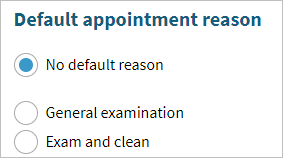
- Select a reason, if nothing is selected, then No Default Reason will be the default
Comments
Please sign in to leave a comment.