
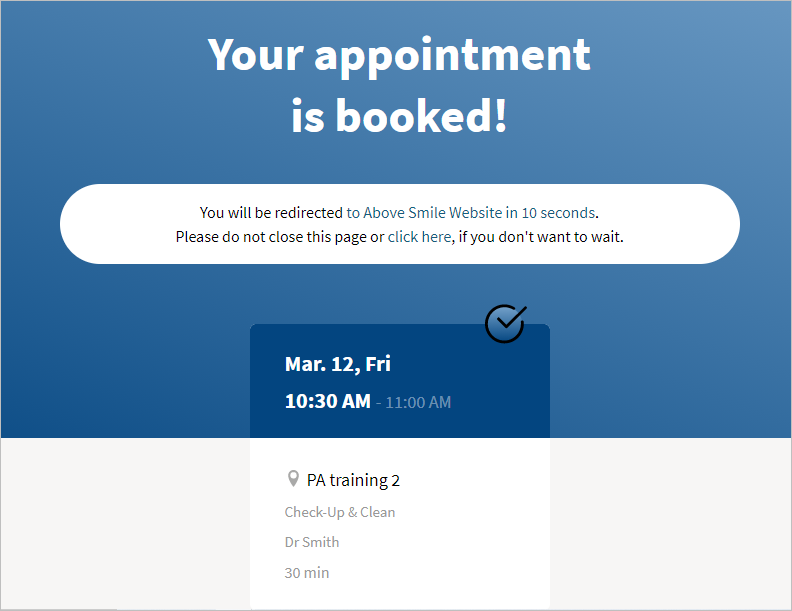
After a patient schedules an eAppointment, they can be automatically redirected to another URL. For example, to fill in an eForm or a landing page on the practice website with promotions.
-
Within the eServices portal
-
Go to Menu
 > Practice Management
 -
Select eAppointments Management
-
Press Display Options
-
Enter the name of the link in Redirection link name e.g. Practice Website Name
-
Enter the URL of the link in After booking confirm redirect

-
Comments
Article is closed for comments.