
After all patients in a batch have been resolved (eg phone call, letter) the batch can be marked as complete.
This process cannot be reversed.
- Go to Location Management > Automation tab
- Click Batches sub-tab
-
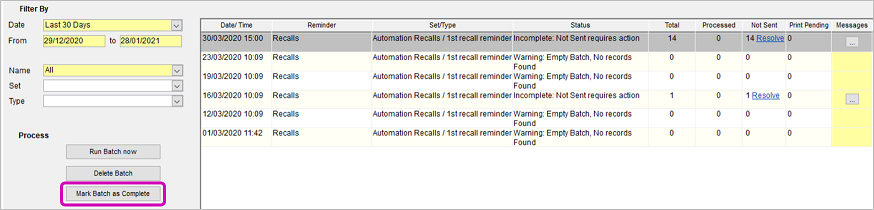
Select the batch and click Mark Batch as Complete
-
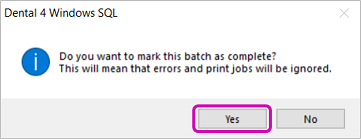
Click Yes
Comments
Article is closed for comments.