
After a batch has been processed where patients require a phone call will appear in the Not Sent column to be actioned.
- Go to Location Management > Automation tab
- Click Batches sub-tab
-
Click the word Resolve in the Not Sent column

- Click Print List
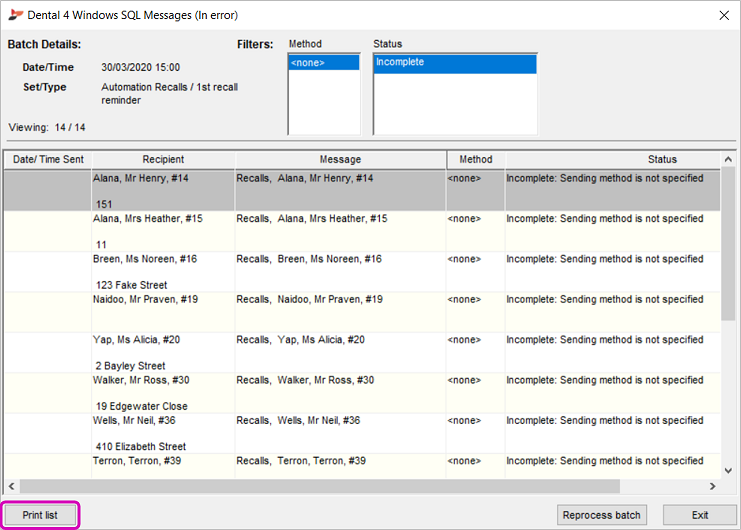
- The list of patients can now be printed
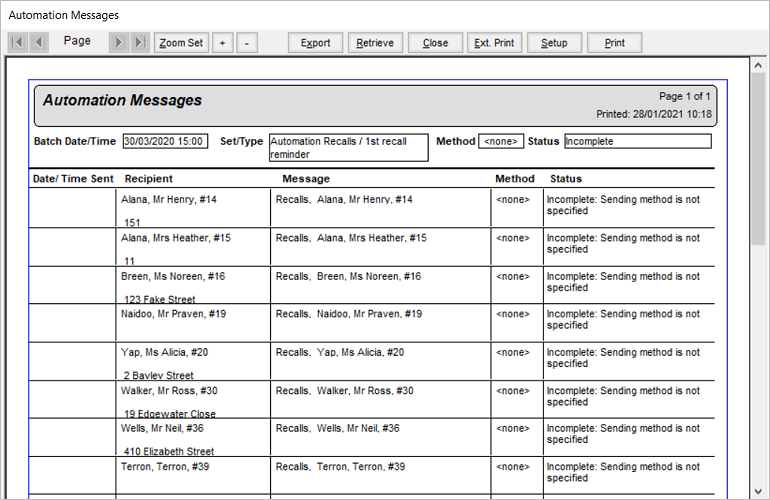
- The batch can now be marked as completed
- Click Print List
Comments
Article is closed for comments.